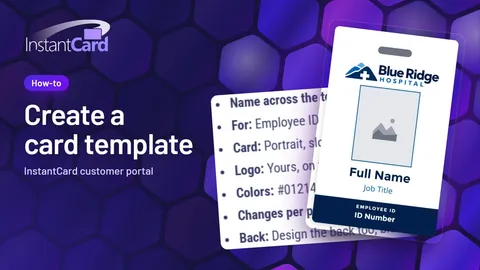
How to create an ID card template
Watch a template being made: the four ways to start, the AI assistant's design, then changes by hand and by asking.
Order custom employee ID badges online instead of printing them in-house. Create your account, get your design, add your people and order. We print and ship from Maryland, the same business day for orders placed by 4 p.m. ET. Badge Clippy can show you around the customer portal, with pretend data, or you can drive.
Hey! Open this page on a computer and I'll show you around the customer portal myself. Until then, the how-to videos below walk you through every step.
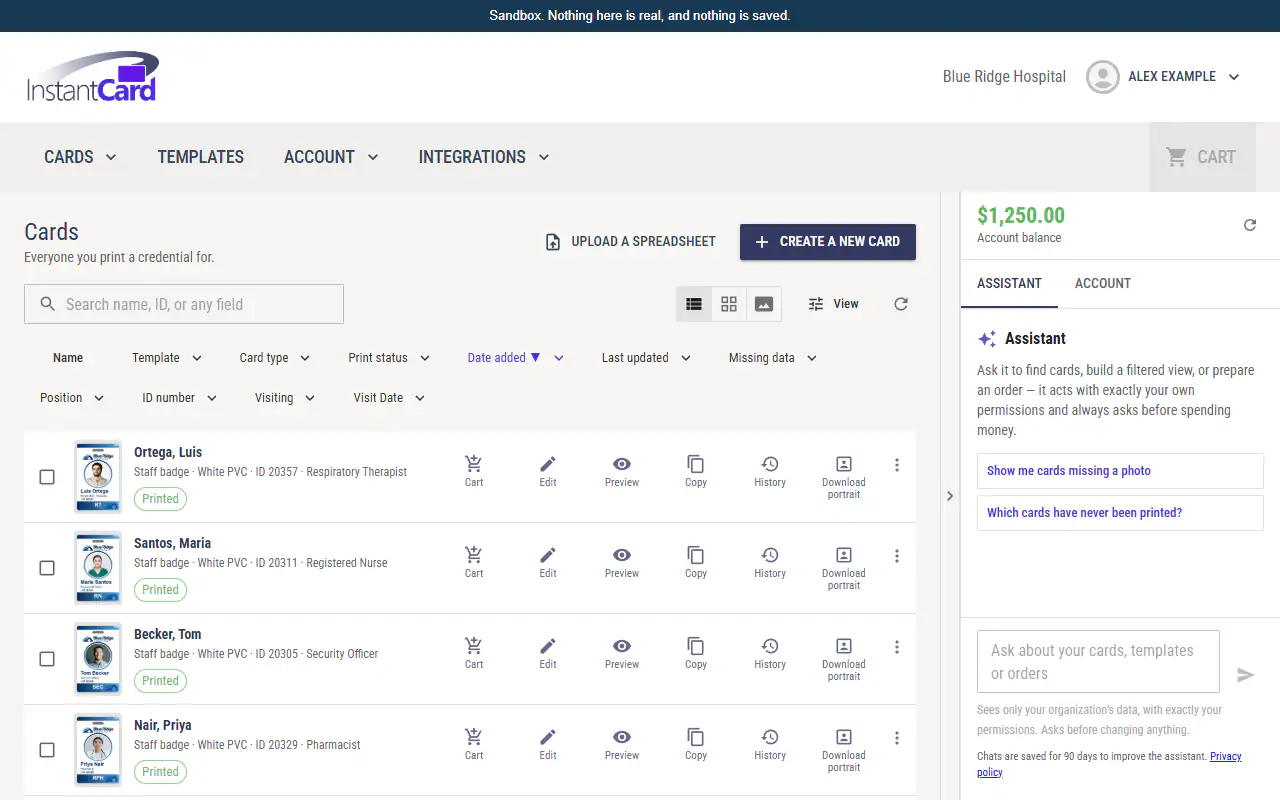
Cards
Everyone you print a credential for.
Upload a spreadsheet
sample-roster.csv A sample file with three made-up people. Nothing is uploaded.
| Full Name | Job Title |
|---|---|
| Okafor, Grace | Physical Therapist |
| Lindqvist, Erik | Lab Technician |
| Reyes, Ana | Charge Nurse |
Showing 4 cards. Sample data only; every name here is made up.
Create a new card
Pick a design, fill in the cardholder's details, and check them before you save.
Nine short videos from inside the customer portal: making a template, making and ordering cards, bringing in a whole roster, adding funds and tracking an order.
Watch a template being made: the four ways to start, the AI assistant's design, then changes by hand and by asking.
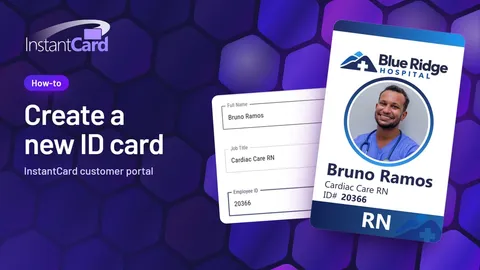
Watch a card being made: pick the design, fill in the person, frame the photo and save.
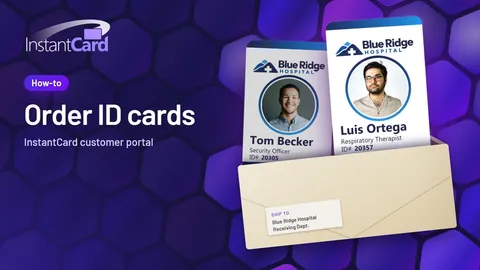
Watch an order go from the cart to placed, with where it ships and the total.
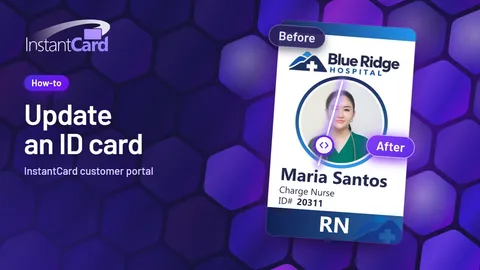
Watch a person's details being changed and the card added to the cart for a reprint.
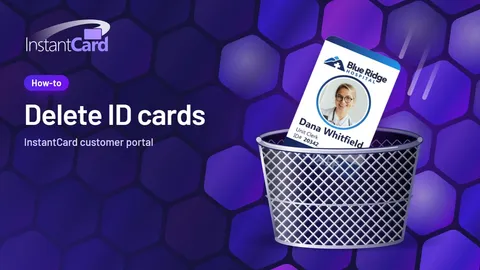
Watch one card being deleted, then several at once.
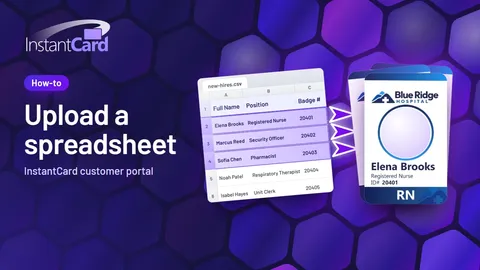
Watch a whole roster come in from one spreadsheet.
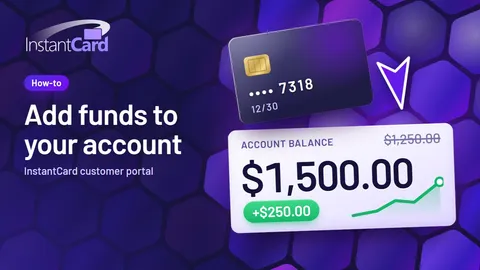
Watch money being added to a prepaid balance with a saved card.
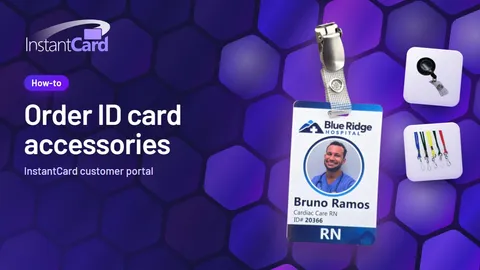
Watch lanyards and badge holders being added to an order.
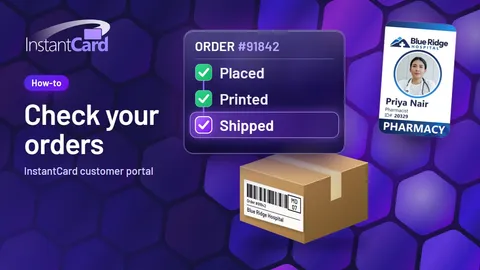
Watch where to find an order, its details and its tracking link.
Topics
Create your account. It's free and needs no card. Then, in the customer portal, choose pay as you go or prepaid and fund your account. Get your design, add your people and order, and we print and ship from Maryland. There is no minimum order: one card is fine.
You choose your account type in the customer portal, on the first-funding step right after signup, not on the signup form. Pay as you go has no deposit: you pay one flat price per card, all in, and each order is charged to your card when you place it. With prepaid, you fund your account first and your orders come out of that balance at lower per-card prices; your level follows the amount you deposit. Only prepaid adds our design team, access to integrations, the large-order and nonprofit discounts, and paying by check. Both come with the card studio, the gallery and the AI design assistant. A pay as you go account can switch to prepaid at any time. A plan you pick on our pricing page is only a starting point; you make the real choice at first funding.
See pricingYou fund your account on the same first-funding step, right after you create it. On prepaid, your balance goes down card by card as you order. Later you can add funds: pick an amount, choose your saved card, and add it to your prepaid balance.
See pricingStart from a template, describe it to our AI, build it in the studio, or hand it to our designers. Our designers make a custom template to your specifications, and you approve it before anything prints. Template design by our team is free on prepaid plans.
Browse ID card templatesA template is everything your cards share: the layout, your logo, the colors. Each person's own details go into it, and that makes their card: one template, many cards. Most people need just one template, two at most. A new person needs a new card from the same template, not a new template.
Add people one at a time: type in their details, add and frame their photo, and save the card. Or upload a spreadsheet saved as CSV, check which column fills each field, and create many cards at once. Photos are added afterward.
Preview your cards, add them to your cart, choose where they ship and how fast, check the total, and place the order. We print and ship from Maryland: orders placed by 4 p.m. ET on a business day print and ship the same day, even a single card. Standard USPS mail is included in the price of every card; faster shipping, such as FedEx 2-Day or Next Day, is added to your order total at checkout. Orders of five or more cards come with tracking, and so does FedEx. Find the link in your order history.
See pricing and shippingYour order history shows every order you have placed: open one for its cards, address and costs, and follow its tracking link. To reprint a card, change the person's details if you need to, save it, and add it to your cart. When you hire someone, add them to the same design and order again.
The steps
The short version, in five steps.
Creating an account is free and needs no card.
In the customer portal, on the first-funding step right after signup, choose pay as you go or prepaid. Pay as you go has no deposit: one flat price per card, all in, charged when you place the order. On prepaid you fund your account first and pay a lower price per card; your level follows the amount you deposit. See pricing.
Watch: How to add funds to your accountA template is everything your cards share: the layout, your logo, the colors. Each person's own details go into it to make their card, so most people need just one template, two at most. Start from a ready-made design, describe it to our AI, build it in the studio, or, on prepaid plans, hand it to our designers.
Watch: How to create an ID card templateAdd people one card at a time, or upload a whole roster as a spreadsheet, one row per person. Every card is made from the same template. In the customer portal, an AI assistant can help too: ask it to find cards or prepare an order.
Watch: How to create a new employee ID cardPreview your cards, add them to your cart, choose where they ship and how fast, check the total, and place the order. There is no minimum order. We print and ship from Maryland, the same business day for orders placed by 4 p.m. ET. Prepaid accounts can also use integrations: order forms, WooCommerce, Zapier and the API. Every way to order.
Watch: How to order employee ID cards