


Ways to order
Order ID cards the way you already work
Order one card in the customer portal, send a spreadsheet, share a form, connect Zapier or call our API. You pick the way. The cards print and ship the same.
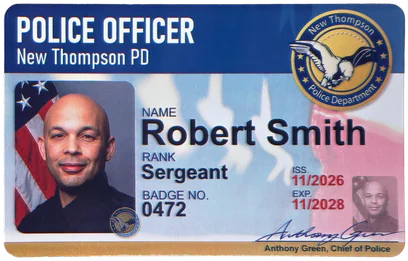
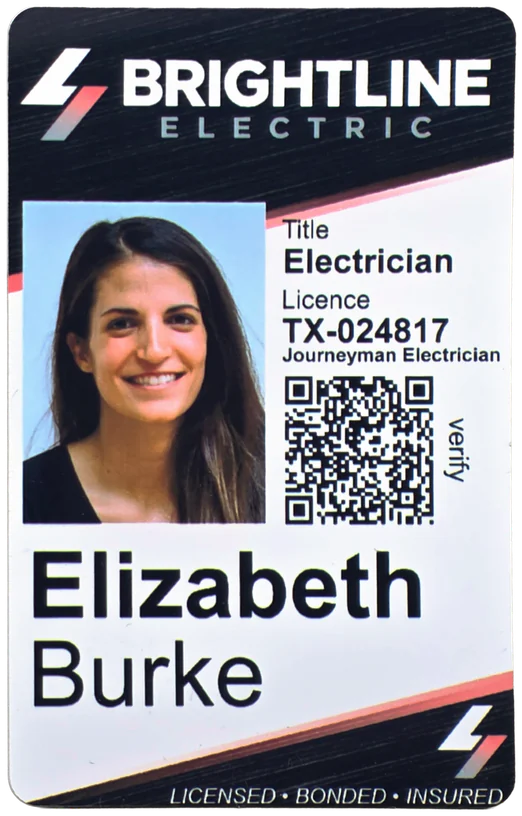
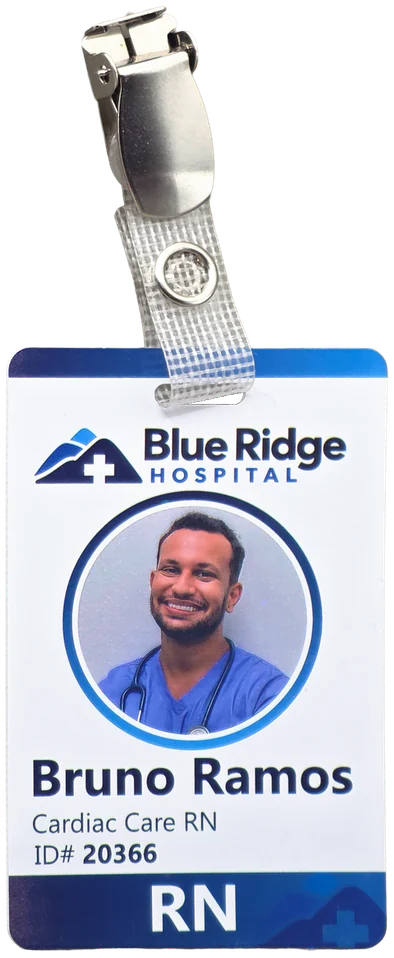
The spectrum
From no code to code, and everything in between
Start where you are. Every way uses your approved card designs, and you can use more than one.
No code
Nothing to install. Use your browser, or connect the apps you already use.
-
Customer portal
Type a card's details, add a photo, check the front and back, and order.
Suits A few cards now and then
Get started -
Spreadsheet upload
Save your list as a CSV, match the columns to your card, and make up to 2,000 cards in one run.
Suits HR, schools and clubs with a list of people
How spreadsheet upload works -
ICO order form link
Share a link. Each person fills in their own details and photo, and sees the real card first.
Suits Members, staff or volunteers who order their own card
Read the ICO order forms guide -
Zapier
Add a few steps to a Zap, and a card is ordered when a row, record or form response comes in.
Suits Teams that want orders to happen on their own
Read the Zapier guide -
Your AI assistant
Connect Claude, ChatGPT or another assistant to your account. It can look things up now, and order cards for you as more tools ship. You confirm anything that costs money.
Suits Teams that already work in an AI assistant
Read the AI assistant guide
Copy and paste
Paste a snippet or upload a plugin. No programming.
-
Embed an ICO order form
Paste one snippet, and the form shows up on your own page.
Suits Member or staff pages on your site
How to embed a form -
ICO form WordPress plugin
Download a plugin made for one ICO order form, add a shortcode, and the form is on a WordPress page. It shows a form. It is not a store.
Suits WordPress sites that want an order form on a page
Add the ICO form plugin
Code
For developers who connect their own systems.
-
REST API
Sign in, create a card, preview it, and submit a print job from your own system.
Suits Developers connecting HR, school or membership systems
Read the API reference
The customer portal and spreadsheet upload work with every account. ICO order forms, InstantCard for WooCommerce, Zapier and the API are for prepaid accounts. On pay as you go, talk to us.

ICO order forms
Let each person order their own card
An ICO order form (ICO stands for individual card ordering) lets each person order their own card. Pick one of your approved card designs, make the form look like your organization, and share a link or put it on your site. People fill in their details, add a photo and see the real front and back before anything is ordered.
What the person ordering sees
- Card information and photo They fill in the fields from your design and add a photo. They can move, zoom and rotate it.
- A preview of the real card The front, and the back too if you show it. They can go back and change anything.
- Shipping details Their name, email and address. If everything ships to one address, they are not asked for one.
- Done A thank-you message and an email confirmation, or a link back to your site.
What you control
- Colors and fonts
- Every label
- Cards per day
- Price shown or hidden
- One address, or each person's own
- Fields filled in from the link
- A message or redirect after ordering
We check each form before it goes live, and you get an email when it is ready.
Building a form yourself is free. Want us to set it up for you? That is a one-time $200 on Small Business and Growth plans, and free on Enterprise.
Already use the original ICO embed on your site? See how to move to ICO order forms.

Zapier
Order a card when something else happens
InstantCard is in Zapier's app directory. Start with a trigger you already use, like a new row in Google Sheets or a new form response. Then add our steps: create the card, finalize it, and submit the order.
A few Zaps people build
- A badge for every new hire
- Membership cards, approved before printing
- A web form becomes a card
You build a short Zap in Zapier. You do not write code.
- Google Sheets Trigger
New Spreadsheet Row
- Spreadsheet
- New hires
- InstantCard Action
Create Card (Draft)
- Template
- Staff badge
- Full Name
- 1. Name
- Photo
- 1. Photo link
- InstantCard Action
Finalize Card
- Card ID
- 2. Id
- InstantCard Action
Create Print Job
- Card IDs
- 3. Id
- Shipping Provider
- USPS
- InstantCard Action
Check Balance
- Job ID
- 4. Id
- Filter by Zapier Filter
Only continue if
- Ok
- 5. Ok is true
- InstantCard Action
Submit Print Job
- Job ID
- 4. Id

A new spreadsheet row becomes an ordered badge. Add a Get Card Preview step if someone should look first.

REST API
Order from your own system
A JSON API at one base address. Sign in with an owner or admin login to get a token, create a card, and submit a print job. Nothing prints or charges until you submit.
Base addresshttps://core.instantcard.net/api/v2
curl -s -X POST "https://core.instantcard.net/api/v2/authenticate" \
  --data-urlencode "[email protected]" \
--data-urlencode "password={password}"{ "auth_token": "{api_token}" }curl -s -X POST "$IC_API/organizations/$IC_ORG/cards" \
-H "Authorization: Bearer $IC_TOKEN" \
--data-urlencode "card[card_template_id]=TEMPLATE_ID" \
--data-urlencode "card[data]@card-data.json"{
"id": 1001,
"data": [
{ "type": "text", "token": "FullName", "label": "Full Name", "value": "Alex Example" }
],
"last_submitted_at": ""
}In the examples, $IC_API is the base address above, $IC_TOKEN is the token you get from signing in, and $IC_ORG is your organization id. The API reference shows how to set them.
The core six calls
- POST
/authenticate - POST
/organizations/{org_id}/cards - GET
/organizations/{org_id}/cards/{card_id}/preview - PATCH
/organizations/{org_id}/cards/{card_id}/finalize - POST
/organizations/{org_id}/print_jobs - POST
/organizations/{org_id}/print_jobs/{job_id}/print
Before you create a card, read your profile for the organization id. Before you create the print job, list your shipping methods. The reference walks through every step in order. Order a card, start to finish.
What the API covers
- Sign in
- Trade an email and password for a token.
- Templates
- List your designs and the fields on each.
- Cards
- Create, preview, update and finalize.
- Print jobs
- Create an order, add cards, check your balance, submit.
- Your account
- Read your balance and transactions.
- Addresses and contacts
- Saved places to ship to, and the people at them.
The API is for prepaid accounts. On pay as you go, talk to us first.
InstantCard MCP
Ask your AI assistant about your account
Connect Claude or ChatGPT to your InstantCard account and ask in plain English: make cards for your new hires, which designs are approved, where an order is. Your assistant signs in as you and sees only your organizations.
Connect it in three steps
- Copy one web address The address is
https://k2-mcp.instantcard.net/mcpand there is no key or password to paste. - Add it to your assistant In Claude: Customize > Connectors > Add custom connector. In ChatGPT: Plugins > Add > Add custom MCP server.
- Sign in and approve Use your InstantCard login on our own sign-in page, then click Approve. You can disconnect any time in Settings > Connected assistants.
It makes designs and cards, works from a spreadsheet saved as CSV, and prepares orders. You place each order yourself on InstantCard's checkout page, and you approve new designs in InstantCard.
-
You: Which of our card designs are approved?
- Using InstantCard: list templates
-
Assistant: Two are approved and ready to order: Staff badge and Contractor badge. Visitor pass is still a draft. You approve it in InstantCard, where you see the proof.
-
You: Did last week's order ship?
- Using InstantCard: list orders
-
Assistant: Yes. The order of 12 Staff badges went out by USPS on Thursday. Here is the tracking link.
The same every time
However you order, the same fulfillment
Every order ends in the same place. We print your cards in Maryland and ship them from there, whether they came from a spreadsheet, a form, a Zap or an API call.
- Customer portal
- Spreadsheet
- ICO order form
- Zapier
- API
Printed and shipped the same way
- 4 p.m. ET
Same-day printing
Orders in by 4 p.m. Eastern on a business day are printed and shipped that day, even a single card.
- Maryland
Printed and mailed here
Cards go out by USPS or FedEx. You choose the shipping method when you order.
- One address
Ship to one place
Ship every card to your office in one package. Want each card sent to its own recipient? Ask us how.
- Letters
A personal touch
Want a cover letter with your logo? Ask us how to add one.
- Add-ons
Clips, lanyards and holders
Badge holders, zip reels, clips and lanyards are available. Ask us what ships with your order.
- Tracking
Follow your order
Orders of five or more cards come with tracking, and so does FedEx. Find the link in your order history.
There is no minimum order. For shipping outside the United States, talk to us first. See pricing and shipping.
Compare
Compare the ways
Skill is how much setup or code a way needs. Plans says which accounts can use it.
| Way | Who it suits | Skill | Needs our approval | Plans |
|---|---|---|---|---|
| Customer portal | A few cards now and then | No code | No | Prepaid or pay as you go |
| Spreadsheet upload | HR or a school with a list of people, up to 2,000 a run | No code | No | Prepaid or pay as you go |
| ICO order form link | Members or staff who order their own card | No code | Yes, each form | Prepaid |
| Zapier | Teams that want orders to happen on their own | No code (you build a short Zap) | No | Prepaid |
| Embedded ICO order form | A members-only page on your own site | Copy and paste | Yes, each form | Prepaid |
| ICO form WordPress plugin | A WordPress site | Copy and paste | Yes, each form | Prepaid |
| REST API | Developers connecting a system | Code | No | Prepaid |
| Your AI assistant | Teams that work in Claude, ChatGPT or another assistant | No code (you add a connector) | No | Prepaid or pay as you go |
On a pay as you go account, talk to us about ICO order forms, Zapier and the API.
Questions
Questions about ordering
Do I need to write code?
No. The customer portal, spreadsheet upload, ICO order forms and Zapier need no code. Embedding a form means pasting one snippet. Only the REST API is for developers.
Which ways work with a pay as you go account?
The customer portal and spreadsheet upload work with every account. ICO order forms, InstantCard for WooCommerce, Zapier and the API are for prepaid accounts. If you pay as you go and want one of those, talk to us.
Does it cost anything to set up?
Building an ICO order form yourself is free, and Zapier and the API cost nothing extra. If you would like us to set one up for you, that is a one-time $200 on Small Business and Growth plans, and free on Enterprise. Cards are charged at your account's pricing.
Is there a minimum order?
No. One card is fine, whichever way you order.
Do you check ICO order forms before they go live?
Yes. You ask for approval when the form is ready, we check it, and you get an email when it is live. Zapier and the API need no approval.
When do my cards print and ship?
Orders in by 4 p.m. Eastern on a business day are printed and shipped that day, from Maryland. Later orders go out the next business day. This is when we ship, not a delivery date.
Can I use more than one way?
Yes. You might upload a spreadsheet for a new class, share a form for latecomers, and connect Zapier for new hires. They all use your approved designs.
Not sure which way fits?
Tell us how your team works today. We will suggest the simplest way to order from there.